
"Am I just paying for bots to click on my ads?" It's one of the questions I hear most from small businesses running Google Ads, usually after a month where the clicks went up and the phone didn't ring.
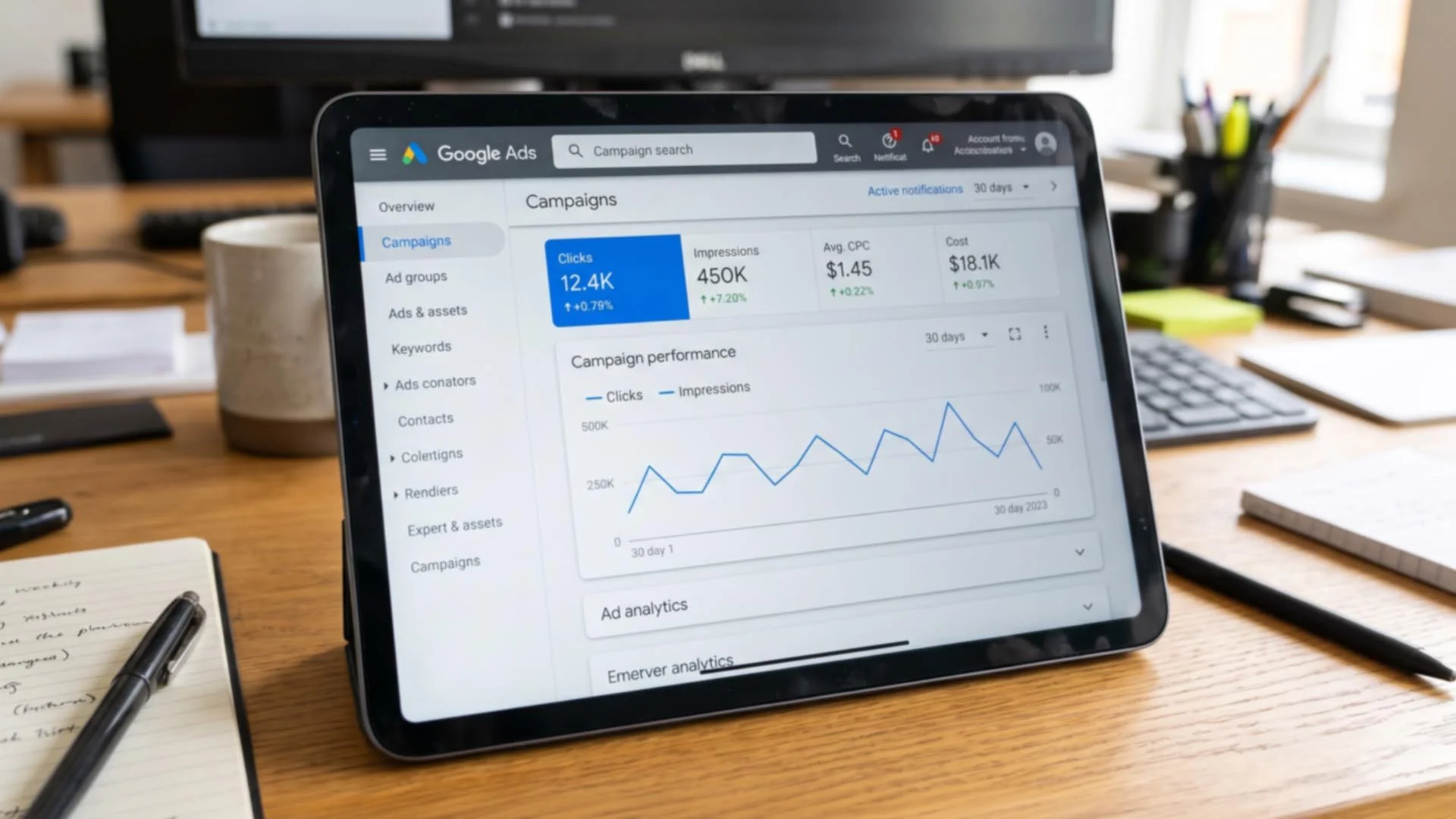
Until now, the honest answer has been "probably not much, but it's hard to tell." This week, Google has made it a little easier. On 12 November, it started rolling out a new Invalid Traffic card in Google Ads, which shows how much it has saved you by catching fake and accidental clicks, and how much it has credited back to your account.
What Google has announced
In a post on Google's blog, Keerat Sharma, who runs Ads Privacy and Safety at Google, said: "We don't charge for invalid traffic, and our multi-layered defenses have always worked in the background to catch it before an advertiser is billed."
What's new is that you can now see it. The card shows two main figures. Estimated savings is the cost of invalid clicks Google caught before you were billed. Credited cost is money credited back to your account for invalid activity Google found after a monthly billing cycle had closed. You can also click through for daily and campaign-by-campaign breakdowns (Search Engine Roundtable, 12 November).
Google's Ads Liaison said it's "rolling out globally starting this week", so UK advertisers are included, although it may not appear in every account straight away. When it does, you'll find it on the Overview page, under the Campaigns tab.
Google also says that so far in 2026 it has reduced advertisers' exposure to invalid leads "by an average of 30%". That's Google's own figure, so I'd treat it as encouraging rather than independently proven.
What counts as an invalid click?
"Invalid traffic" is Google's term for clicks and views of your ads that don't come from someone with a genuine interest. According to Google's help page, that includes:
Accidental clicks, such as the second click of a double-click. Clicks by bots, crawlers and other automated software. Clicks deliberately meant to run up someone's advertising costs. And clicks from known suspicious sources, such as data centres, or unusual patterns that Google's systems pick up.
The one most small businesses worry about is the competitor clicking on your ads to drain your budget. It does happen, but in my experience it's much less common than people fear, and Google's systems are designed to spot repeated clicks from the same source. The new card should at least give you some reassurance that it's being caught.
Google is also clear that you don't get a "refund" as such. Invalid clicks caught before your invoice are simply not charged, and those found later appear as credits on future invoices.
What the card won't tell you
This is the bit I think matters most. The new card shows clicks that Google has decided are invalid. It doesn't show clicks that were perfectly genuine but still a waste of your money.
In my experience, that's where most small businesses lose budget. It's not bots. It's real people clicking on your ad who were never going to become customers, because the ad showed for the wrong search, in the wrong place or at the wrong time.
Google's own help page makes a similar point. It says a sudden rise in clicks often has other causes, such as raising your budget, adding broad keywords, or seasonal interest. In the run-up to Christmas, that last one is worth bearing in mind.
Five quick checks for wasted spend
If you manage your own Google Ads, these are the checks I'd make before the busy few weeks ahead.
Look at your search terms. In Google Ads, find the search terms report (under Insights and reports). It shows the actual words people typed before clicking your ad. If a plumber's ads are showing for "plumbing courses" or "plumber salary", that's money going to people who will never call. Add the irrelevant words as negative keywords (words you tell Google not to show your ads for).
Check your location settings. This is a classic. In your campaign's location options, check whether you're targeting people who are actually in your area, or people who are "in, or interested in" it. The second option can show your ads to people hundreds of miles away who once searched for something in Rugby.
Check your ad schedule. If nobody answers the phone after 6pm or at weekends, consider whether your ads should be running then, or whether they should at least send people to an enquiry form.
Check where your ads are showing. Some campaign types show ads on websites and apps as well as in Google Search. That can be useful, but it's also where a lot of accidental taps happen, particularly on mobile games and apps.
Make sure you can tell which clicks became customers. If you're not tracking phone calls and enquiry forms as conversions, it's very hard to tell good clicks from bad ones. That's worth setting up before anything else.
Should you add the Invalid clicks column too?
While you're there, Google also lets you add an "Invalid clicks" column to your campaigns table. Go to Campaigns, select the Columns icon, search for "Invalid clicks" and apply it. It's a simple way to keep an eye on things alongside the rest of your figures.
I wouldn't obsess over it, though. A few invalid clicks are normal for any account, and the fact that Google has caught them means you haven't paid for them.
My take
I think this is a genuinely useful bit of transparency from Google, and it should put some minds at rest. But it's worth being clear about what it is. It's Google showing you the clicks Google decided not to charge you for. The bigger savings, for most small businesses, still come from making sure the genuine clicks are from people who might actually buy from you.
Need a hand?
If you'd like someone to look over your Google Ads account before Christmas, check where your money is going and spot any easy savings, I'm happy to help. Just get in touch.