
There are some headlines that make you put your coffee down. "Password manager hacked" is one of them.
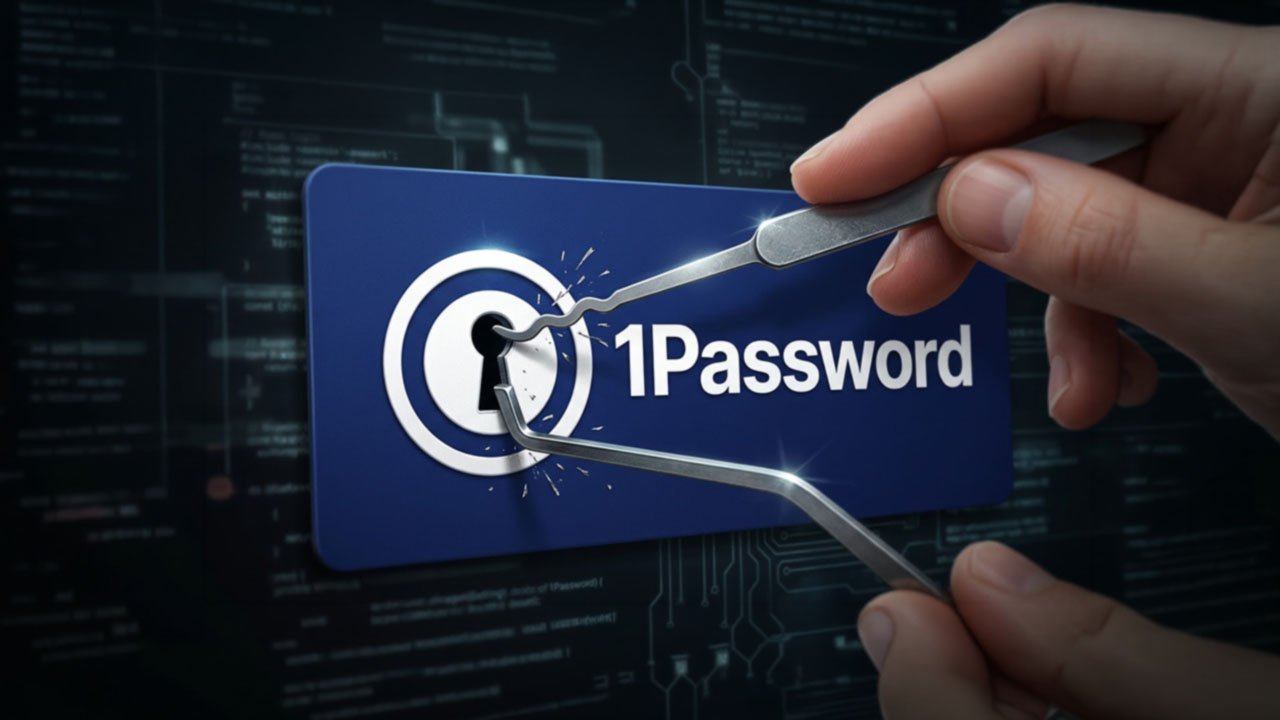
This week, 1Password, one of the most popular password managers (an app that stores all your passwords safely so you don't have to remember them), confirmed that an attacker had broken into its systems and taken some customer information. If you or your staff use 1Password, the most important thing to know is that your passwords were not taken. But there's a sting in the tail, and it's one that applies to every small business, whether you use 1Password or not.
According to 1Password's own update, published on 25 November, the company began investigating on 19 November after signs that an attacker had got into an employee's work account on GitHub (a service software companies use to store and manage their code). From there, the attacker was able to look at 1Password's source code and plant some code of their own on its back-end systems, which downloaded information about customers.
For some customers, the information taken includes their name and the email address they use to sign in to 1Password, account details such as when the account was created and last used, and some codes included in invitation and account recovery emails. 1Password hasn't said how many customers were affected, beyond calling it "a subset".
The company is clear on this point: "At no time were customer vault contents accessed by, or available to, the attacker." Your vault is the locked box where your passwords live, and 1Password says it's designed so that even the company itself can't open it. It doesn't store your main password or your Secret Key (a long code that acts as a second key to your account), so they couldn't have been stolen.
1Password says customers don't need to change anything in their account, and its apps and browser extensions weren't affected. As a precaution, it has lengthened the codes in its invitation and recovery emails from six numbers to ten letters and numbers, which makes them far harder to guess.
So what's the actual risk?
Here's the sting in the tail. Somebody now has a list of names and email addresses of people who use a particular password manager. And they have a perfect excuse to get in touch.
Imagine an email that looks like it's from 1Password: "Following the recent security incident, please verify your account to keep your passwords safe." It would look reasonable, because the incident is real. It might even use your name. And it would lead to a fake sign-in page designed to collect the one thing the attackers couldn't steal: your password.
That's why 1Password's own advice is to "be cautious of phishing attempts in the form of unexpected emails, texts or calls that mention 1Password, invitations, or account recovery attempts." It says it will never contact you to ask for your password or Secret Key.
As The Register put it, a list of people known to use a particular password manager "is a handy thing for a phisher to have".
How to spot the fake email
The rule I'd suggest is a simple one, and it works for every company, not just 1Password. If an email asks you to sign in, don't use the link in the email. Open the app, or type the website address yourself.
That one habit gets around almost every phishing email, however convincing it looks. If there's a genuine problem with your account, you'll see it when you sign in the normal way.
A few other things to look out for are a sense of urgency ("act within 24 hours"), an offer to "verify" or "secure" your account, and anything asking for your Secret Key or recovery code. If you receive something suspicious, you can forward it to the National Cyber Security Centre at report@phishing.gov.uk. It's free, and it helps get scam websites taken down.
Should you stop using a password manager?
In my opinion, no. And I say that knowing it's a fair question to ask this week.
1Password's design did what it was supposed to do. The attacker got into the company's systems, which is bad, but couldn't get into customers' vaults, which is the whole point. Compare that with the alternatives most small businesses actually use.
The Register reported a couple of weeks ago on a London hotel that had written the admin username and password for its Booking.com account on a whiteboard in the back office, visible from the front desk. The manager was, apparently, "mortified". Nobody on the staff had seen it as a risk; it was just the easiest way for everyone to share one login. I suspect plenty of businesses have their own version of that whiteboard, whether it's a sticky note on a monitor or a spreadsheet called "passwords.xlsx".
Meanwhile, NordPass's annual list of the most common passwords found in data breaches was published on 16 November, and "123456" is top again, for the seventh time in eight years. "admin" and "12345678" are second and third.
The National Cyber Security Centre recommends password managers because they make it practical to have a different, strong password for every account. That's still good advice. The risk of reusing the same password everywhere is much bigger than the risk of a well-designed password manager being breached.
The thing that matters more than any password
If I could get small businesses to do one thing this week, it wouldn't be changing passwords. It would be switching on two-step sign-in (sometimes called two-factor authentication, 2FA or 2SV), where you need a code from your phone as well as your password.
The NCSC describes switching this on as the first and most important step, because it protects you even if your password is stolen or you're tricked into typing it into a fake website. Start with the accounts that would hurt most if someone else got in: your business email, your website, your Google Business Profile, your social media accounts and your banking.
Your email is the most important of all. If someone gets into your email, they can usually reset the password for everything else.
A five-minute check for this week
If you use 1Password, you don't need to do anything in your account, but be suspicious of any email about it for the next few weeks. Sign in through the app, never through a link.
Whatever you use, check that two-step sign-in is switched on for your email and your website. If anyone in your business shares a single login, think about giving each person their own (most website platforms and Google Business Profile let you add people as users). And if there's a whiteboard, a sticky note or a "passwords" spreadsheet anywhere in the building, this is a good week to retire it.
Need a hand?
If you'd like help setting up two-step sign-in on your business email or your website, or giving staff their own logins rather than sharing one, I'm happy to help. Just get in touch.