
Imagine getting an email telling you that your website, and everything on it, will be deleted in 60 days. No appeal, no extension, just a date.
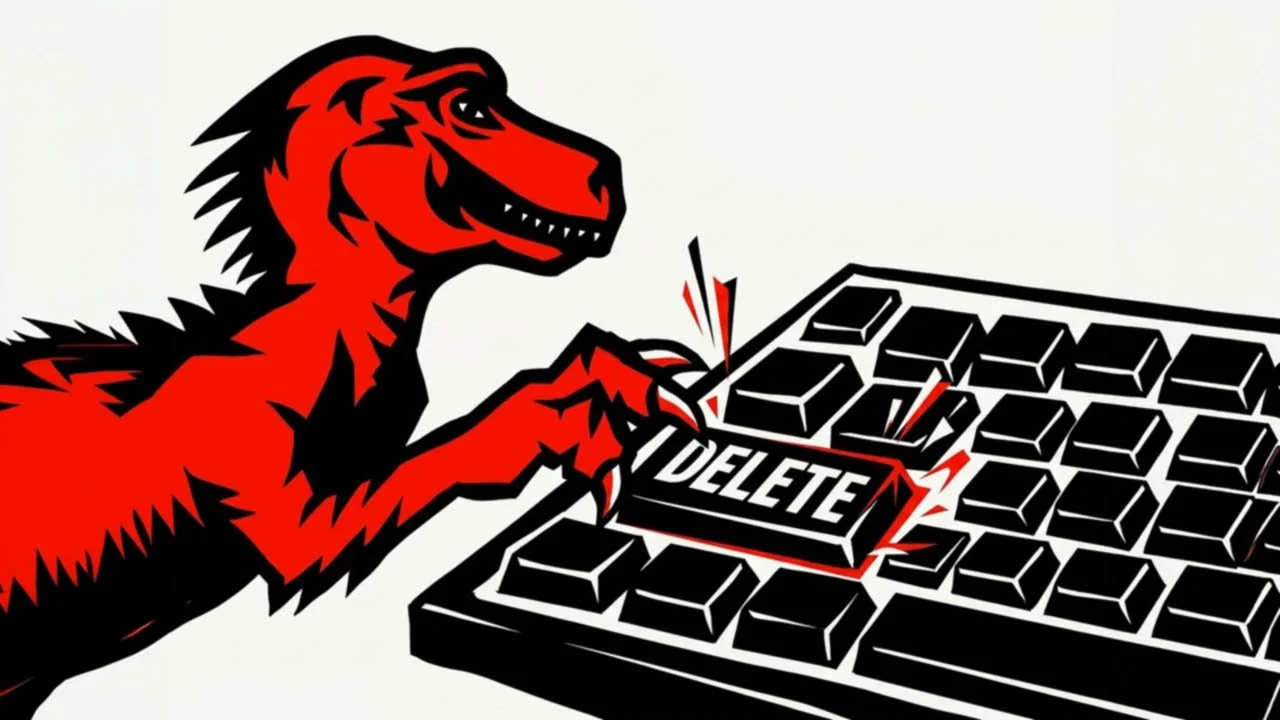
That’s what happened to the people using Solo, a website builder from Mozilla (the organisation behind the Firefox web browser). On 30 November 2026, Solo closes for good, and every website on it will be deleted.
I doubt many of my readers use Solo. But plenty of small businesses rely on a website builder, a hosting deal or a web designer they haven’t spoken to for years, and very few have thought about what they’d do if it disappeared. So I think this is a good moment to ask the question.
What’s happening with Solo?
Solo was an AI-powered website builder aimed at sole traders and small businesses. You answered a few questions, and it built a website for you, with hosting and your own domain name if you wanted one. It launched in December 2023 and was used by some 54,000 people.
Mozilla told users on 1 October that it was closing the service. Its shutdown FAQ says Solo “will cease operations on Nov 30, 2026”, and that after that date “there will be no way to recover your site, account, or data”.
Mozilla hasn’t given much of a reason, beyond saying that sometimes it has to bring a product to an end. To be fair to them, 60 days’ notice and refunds for paying customers is more than some services offer.
If you do use Solo, here’s what you can rescue, according to Mozilla’s FAQ. You can download a ZIP file from your account settings (look for “Download Website Data”). It contains an HTML copy of your site, the messages people sent through your contact form, your newsletter sign-ups, and a spreadsheet of links to your images.
Notice that last bit. The images themselves aren’t included. You need to download each one individually from the links in the spreadsheet before 30 November, after which the links will stop working.
If you bought your domain name through Solo, it’s being moved to a company called Name.com. You’ll need to create an account there and send Solo a code so it can be transferred. Please don’t leave this one. Your domain name (the yourbusiness.co.uk part) is the thing your customers, your Google Business Profile and your email address all depend on. A website can be rebuilt. Losing your domain name is a much bigger headache.
The real question: who owns your website?
Here’s what I’d like everyone else to take from this. If your website provider closed tomorrow, could you answer these three questions?
Who owns your domain name? It should be registered in your name or your business’s name, in an account you can log into. It’s surprisingly common for a domain to be registered by a web designer, a relative or a former employee, which is fine until you need it and can’t reach them. For a .co.uk domain, you can look it up with Nominet’s free WHOIS search, although personal details are often hidden.
Do you have the logins? You should have your own login for your domain, your hosting or website builder, and your email. Not a password on a sticky note from 2017. Your own account, in your own name, with two-step sign-in switched on.
Do you have a copy of your content? Your text, your photos and your logo are yours, and they’re often the most valuable part of your website. Keep a copy somewhere safe, away from the website itself. If your photos only exist on your website, they’re one bad day away from not existing at all.
Are website builders a bad idea, then?
Not at all, and I’d say that even if this website wasn’t built on one. In my opinion, the big, established website builders are a perfectly sensible choice for many small businesses. They take care of security updates and hosting for you, which, as plenty of recent news has shown, is no small thing.
The trade-off is that you’re renting rather than owning. You can’t usually pick up a site built on one platform and move it to another; you’d have to rebuild it. That’s normally fine, as long as you’ve chosen a platform that’s likely to be around for the long term, you own your domain name separately, and you keep copies of your content.
What I’d be more wary of is the newest, shiniest service that promises to do everything for you, especially one that’s free or very cheap. Solo came from a well-known name, and it was clever. It’s still closing after less than three years. When a service costs very little to use, it’s worth asking how long it can afford to keep running.
The same applies to websites looked after by someone else. If your web designer manages your domain and hosting, that’s perfectly normal. Just make sure you know where everything is and how you’d get access if you needed it.
A ten-minute check you can do this week
Find out where your domain name is registered, and make sure you can log in to that account. Check the renewal date while you’re there, because domains quietly expiring is another way businesses lose them. Then make sure you can log in to wherever your website is hosted or built. Finally, put a copy of your logo, your photos and your main page text into a folder on your computer or cloud storage.
That’s it. If you can do all of that, you’re in a far better place than most. If you can’t, it’s much easier to sort out now than in a hurry with a deadline looming.
Need a hand?
If you’re a Solo user looking for a new home for your website, or you’ve realised you’re not entirely sure who owns your domain name, I can help. I build websites for small businesses, and I always make sure the domain, the logins and the content belong to my clients, not to me. Get in touch and I’ll happily help you work out where you stand.